3.05
Part 03 · Recipes · Who can see what
Privacy and sharing
Private by default. One read-only link, revocable at any time.
Where this is in iWhisk
Open one of your recipes
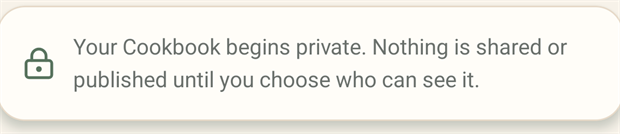
Your Cookbook is private. Two states exist.
- Private. Only you.
- Private link. Anyone holding that specific link, view only, that one recipe.
3.05.1
What a private link does and does not do
- Shows that recipe only. Never your Kitchen, your other recipes, or your account.
- Is read only. Nobody can edit or claim it.
- Can be turned off at any time, which immediately breaks the existing link.
- Is always secure.
⚠
Treat a link as publicAnyone you send it to can forward it. If that matters, revoke it once they have copied the recipe.
Editing someone else's recipe makes your own copy. The original stays exactly as it was for everyone else.